
You have the option to enable or disable an item in your Items list from linking to a new page.
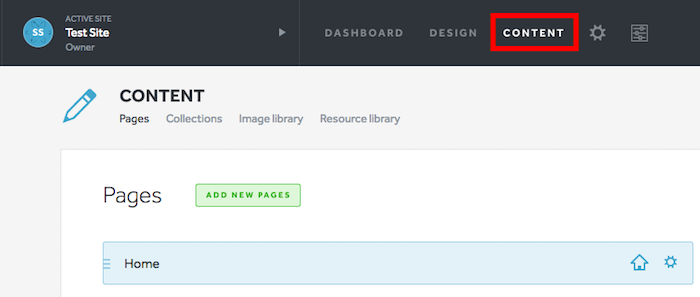
1. Select Content from the gray navigation bar.
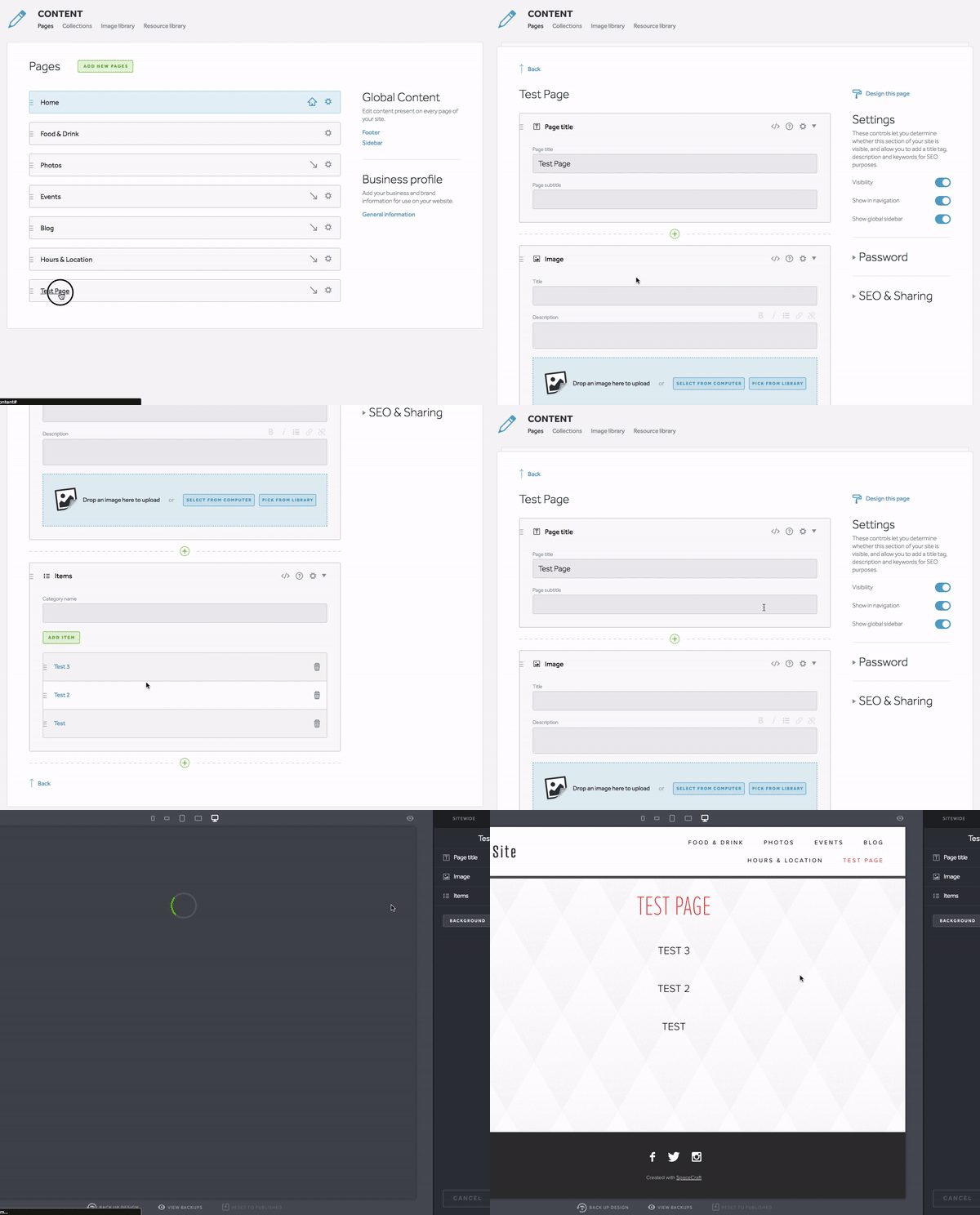
2. Click on the Pages containing your Items list. Select the blue Design this page link at the top right-side of the page.
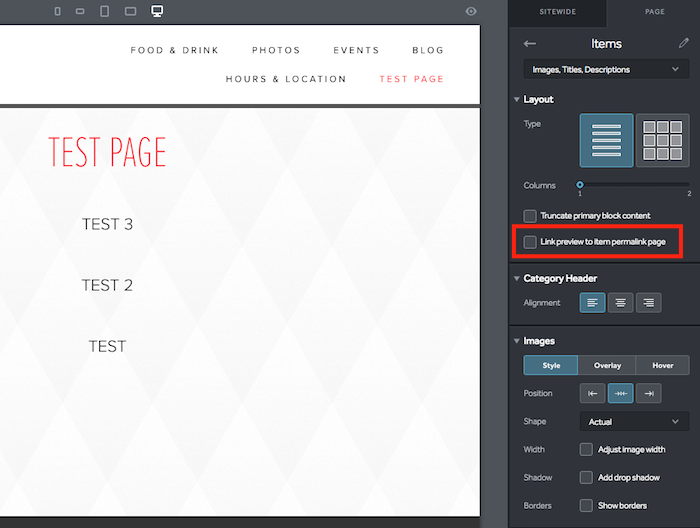
3. In the Design panel, click into your Items list and locate the Link preview to item permalink page on the right-side panel. Check or uncheck the item to use the feature.
4. Click Save and then Publish when you are ready to take your changes live!