
If you have a text sitename on your website, here is how you can move its position at the top of your website:
1. Select the Design tool in the gray navigation bar.
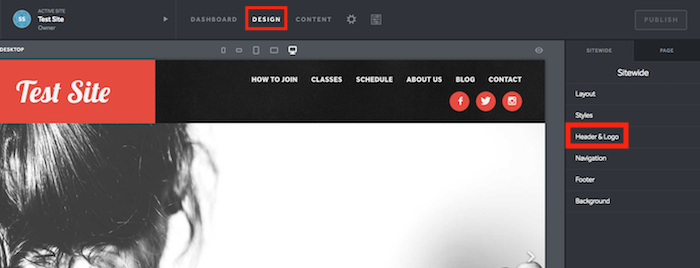
2. Click on Header & Logo under the Sitewide tab on the right-hand side.
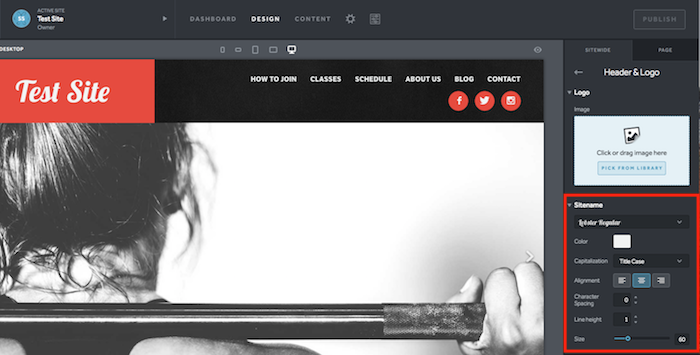
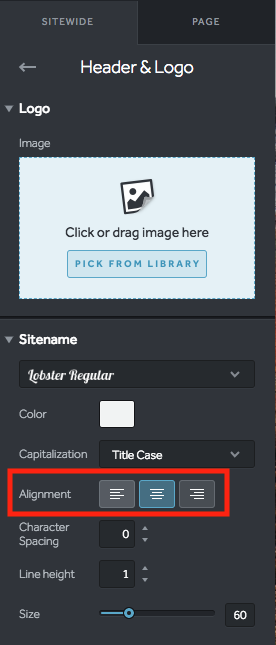
3. Under the Sitename drop-down, select an Alignment to position your website's name.
4. Select Save and Publish to take your changes live!